1. Design Your Specialized AI Team
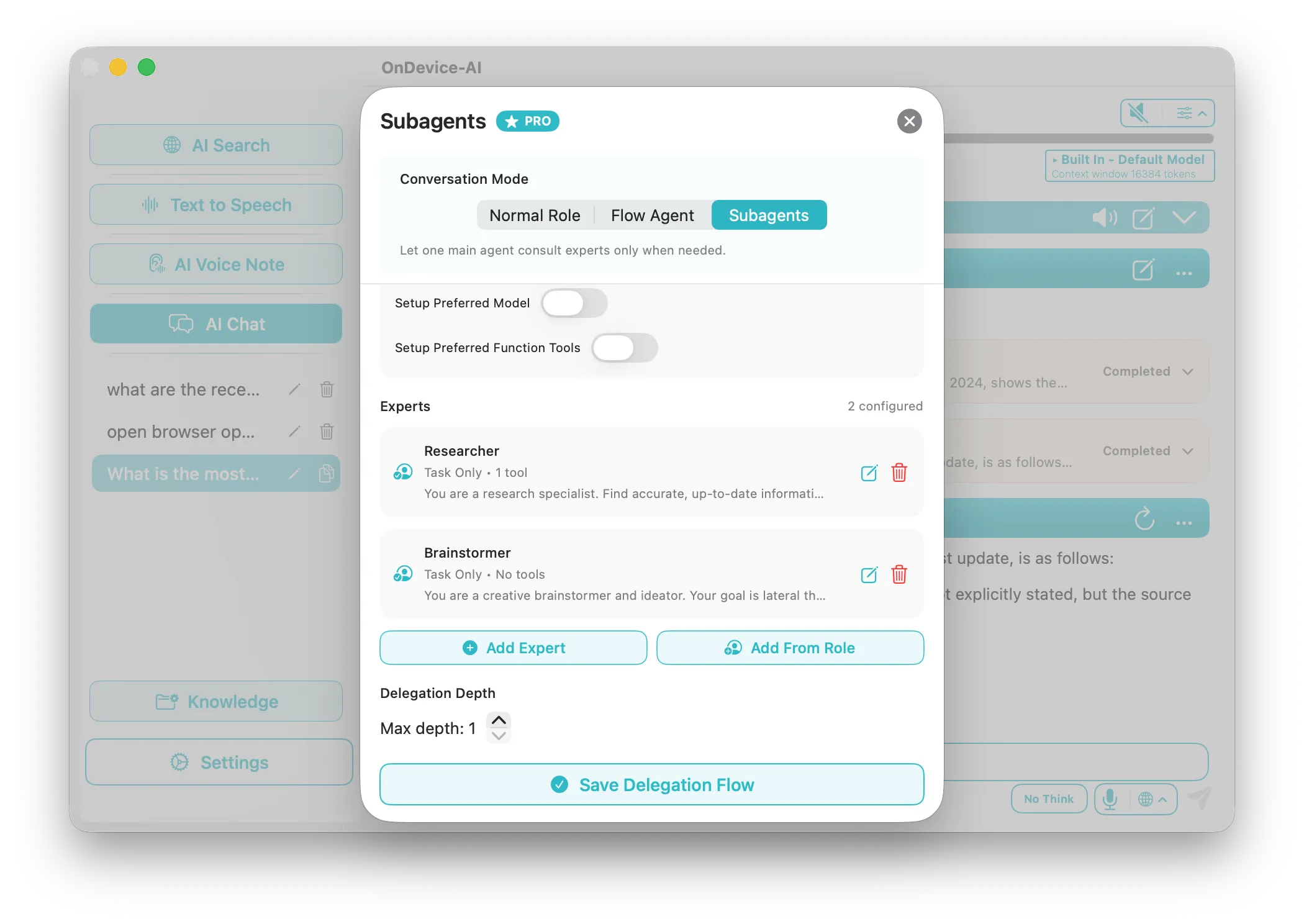
Instead of relying on a single general-purpose prompt, Chat Flows let you orchestrate a team of distinct virtual professionals. You can create specialized participants like a Researcher to gather contexts, an Analyst to review logical fallacies, a Programmer to draft clean code, and a Writer to edit the final output. Give each participant highly tailored system rules.
2. Allocate Custom Local Models per Agent
Optimize your hardware resources by assigning the most efficient model to each task. Assign a compact local model (e.g. Qwen 2.5 3B) to the Outline Agent for rapid outlines, and a robust local model (e.g. Phi-4 14B or Llama 3 8B) to the Core Analyst for complex reasoning. You can also mix in optional cloud frontier APIs securely.
3. Coordinate Local Orchestration & Delegation
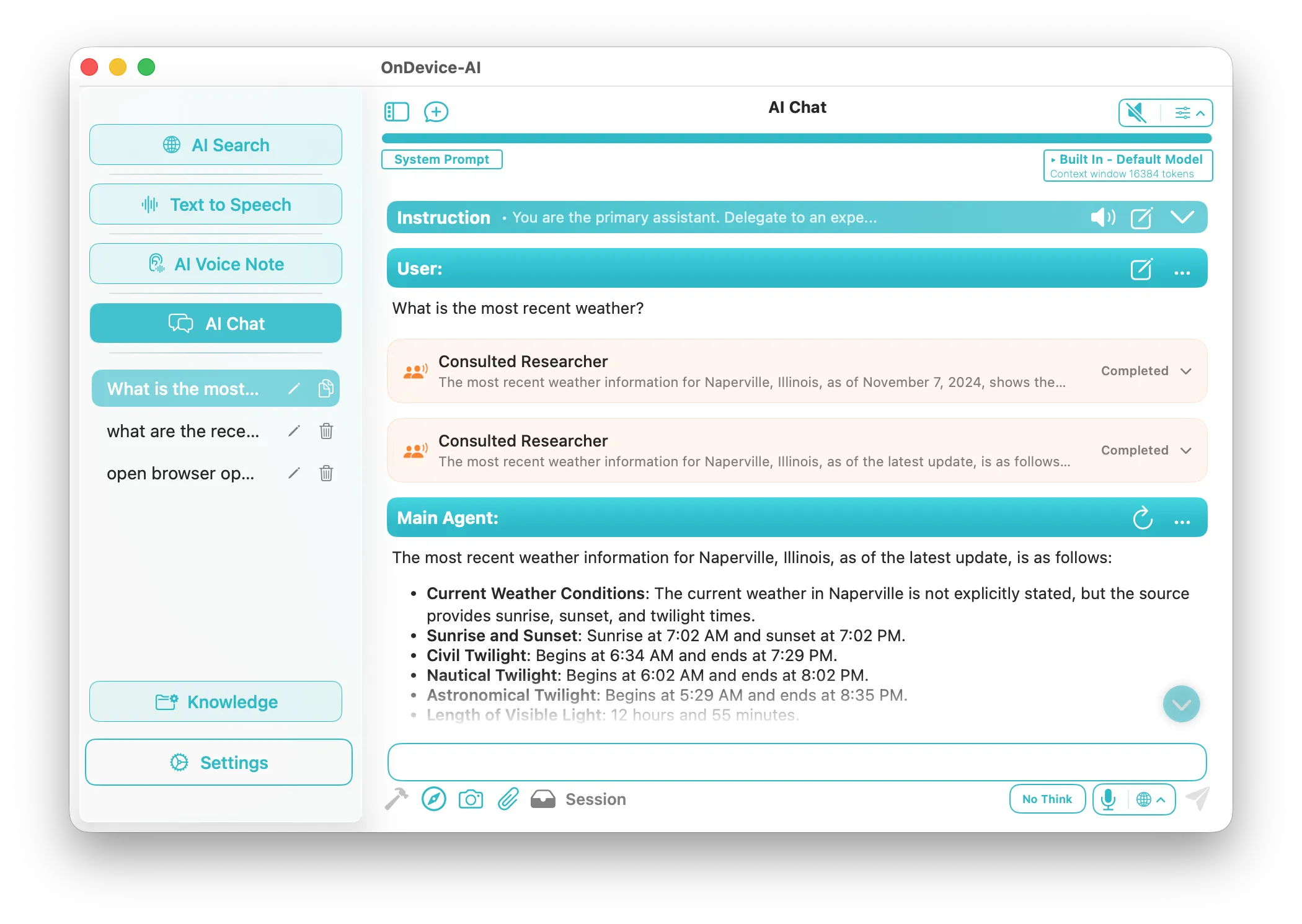
When you start a workflow, the parent model delegates sub-questions to the specialized subagents natively on your Mac or iOS hardware. Watch the agents chat with one another, share file references, and evaluate each other's outputs in a structured workspace until they autonomously compile your finished report.
4. Equip Agents with Active Tools & Web Search
Allow your local agents to take real-world action. Enable specific tools, such as web search, mathematical calculators, or directory-level file analysis, so they can retrieve real-time stock quotes, compute values, or read locally indexed project folders completely privately.