Knowledge Workflows

Private AI PDF and Document Chat

Create secure, local Knowledge Libraries to analyze research papers, financial sheets, code libraries, and private notes offline. Ground the AI directly in your own files without data leakage.

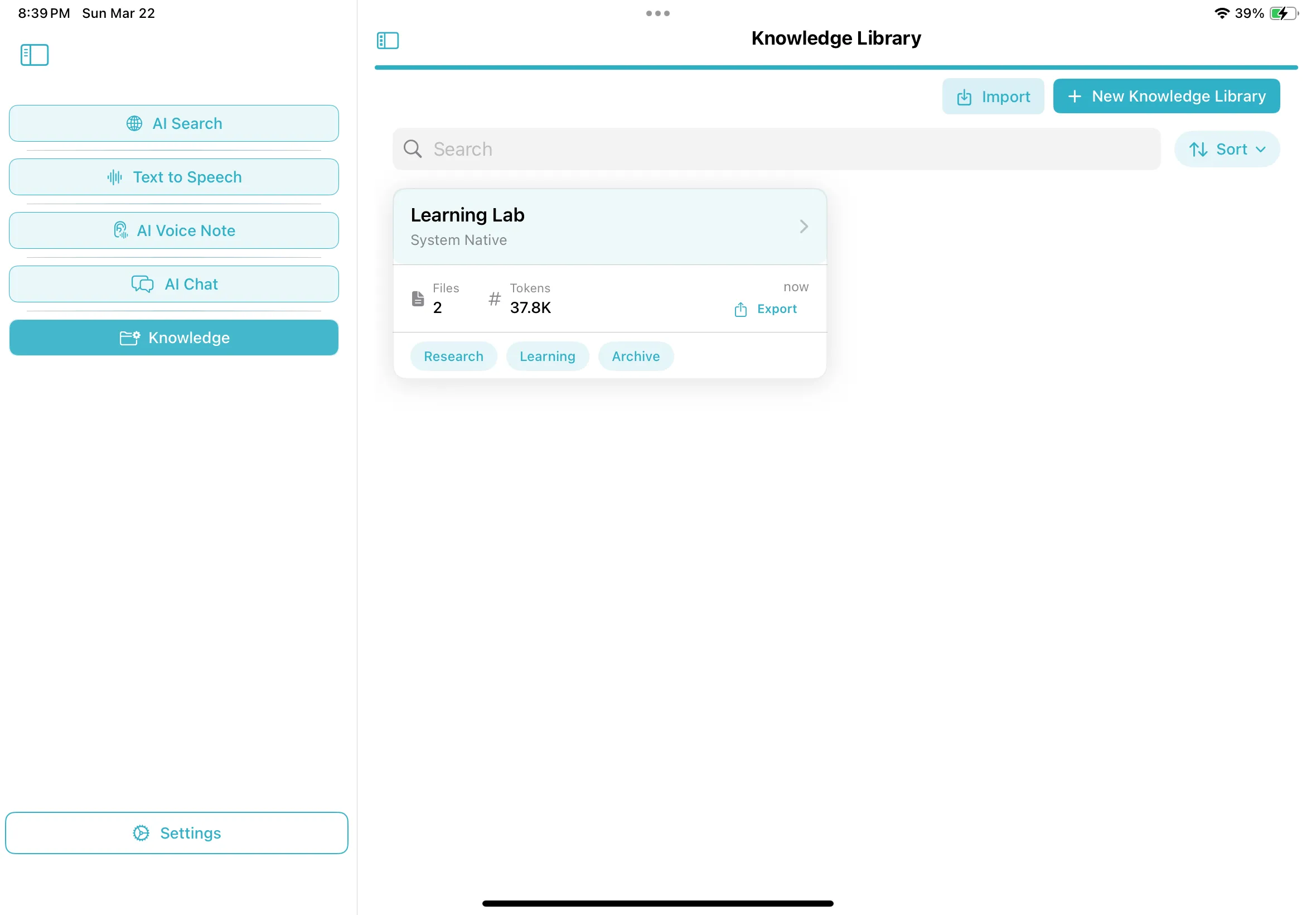
Knowledge Library dashboard on iPadOS
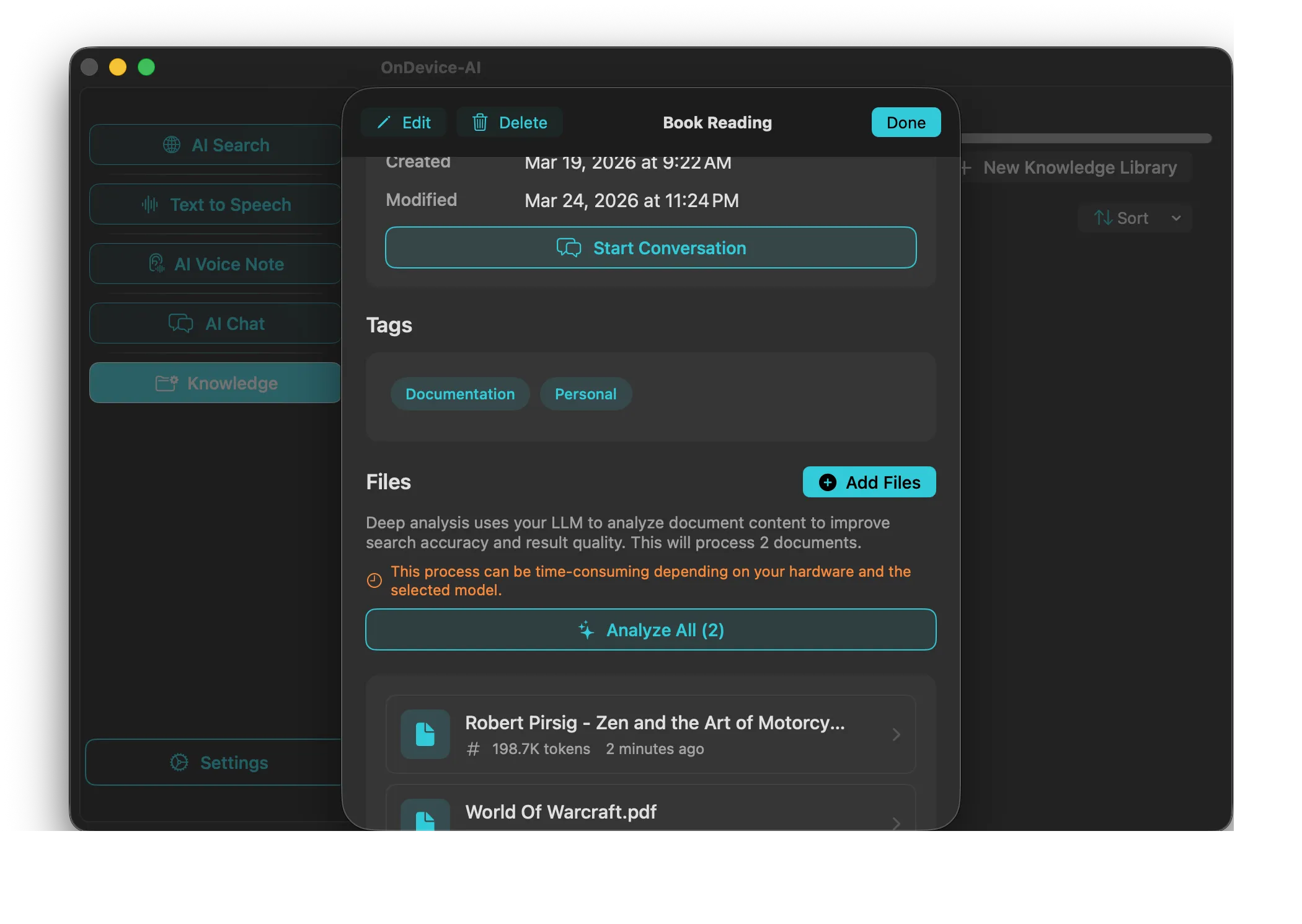
Adding private files to Knowledge Library on macOS
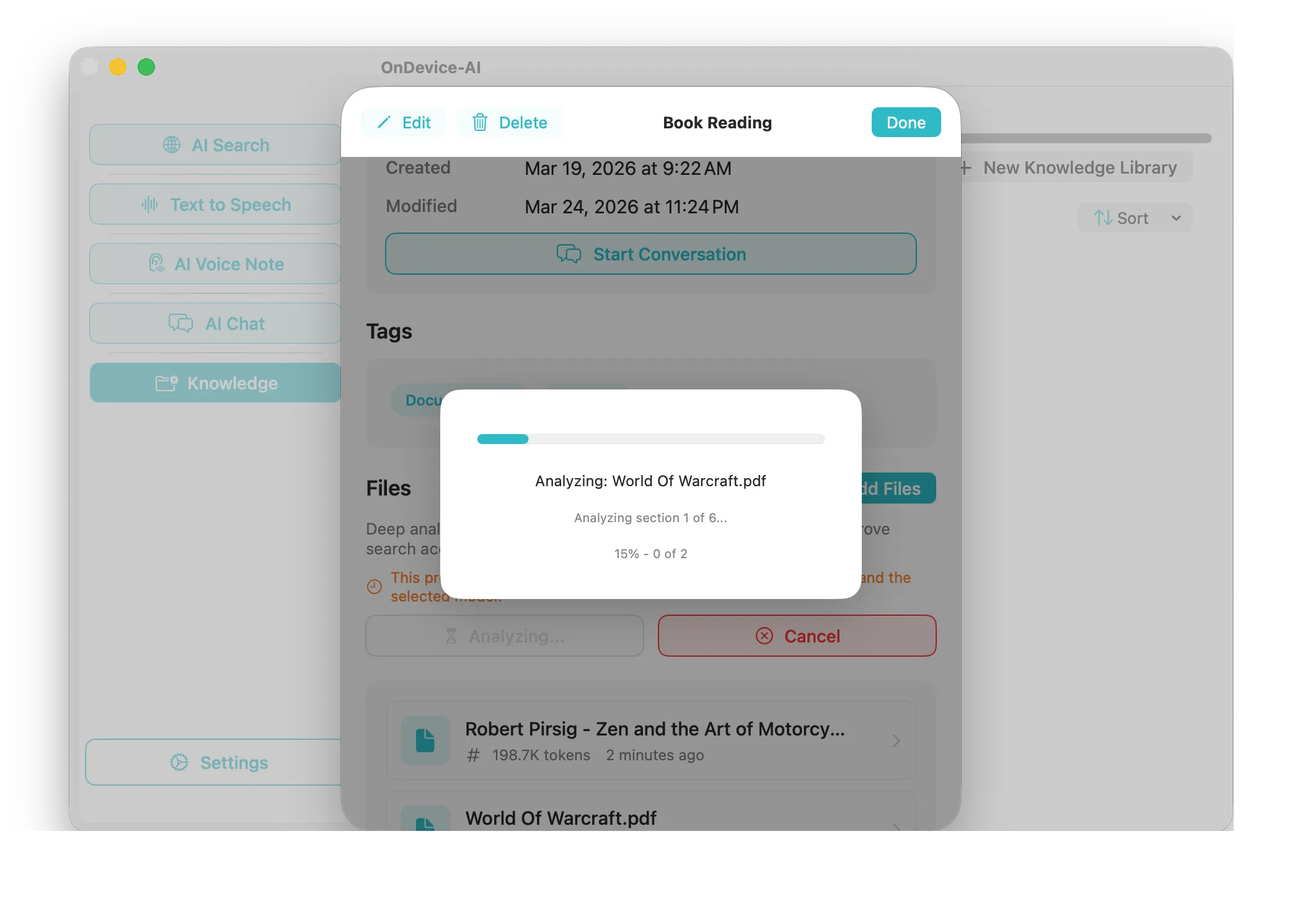
Analyzing document index details on macOS

1. Establish Isolated Knowledge Libraries

Organize your work by creating isolated Knowledge Libraries for different projects (e.g., Q1 Financials, Thesis Research). Drag and drop PDFs, TXT files, Markdown notes, images with embedded text, or direct web captures. Each library remains mathematically separated in the local app database.

2. On-Device Chunking and Vectorization

Once imported, the app parses and chunks the text locally on your device. It then executes an on-device semantic embeddings model (e.g. nomic-embed-text or custom local configurations) to generate high-dimensional vectors. These vectors represent the semantic meaning of each text block and are stored safely in your local SQLite/GRDB database—zero server uploads required.

3. Local Semantic Context Retrieval (RAG)

When you submit a query, On Device AI calculates the semantic vector of your question offline. It executes a fast vector similarity search locally across the selected Knowledge Library to retrieve the specific blocks of text that directly answer your question. This ensures high context accuracy even with massive document folders.

4. Grounded Local Reasoning

The retrieved document chunks are appended directly into the local LLM prompt as ground-truth context rules. This dramatically reduces model hallucination and guides the local AI to draft precise, highly cited summaries, compare conflicting paragraphs, or conduct broad-spectrum Q&A safely.

Download On Device AI Read RAG Setup Guide →